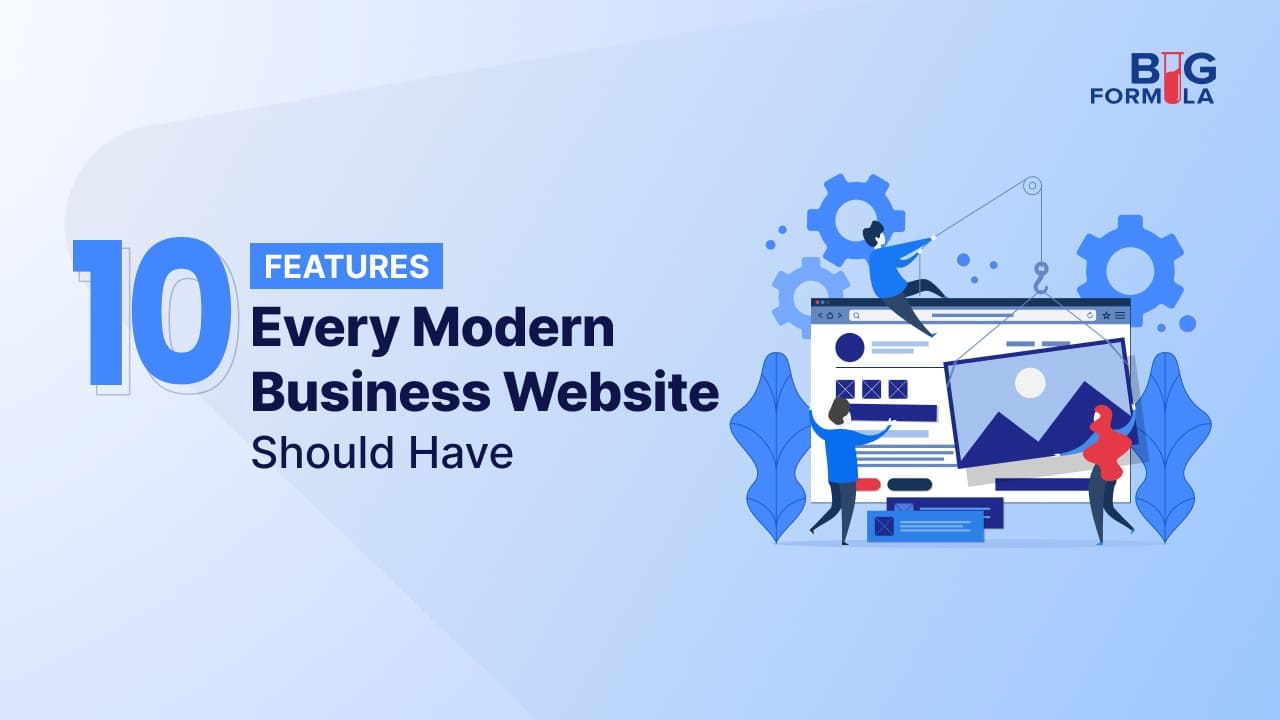
10 Features Every Modern Business Website Should Have
Long before a sales conversation begins, the website has already made – or lost – the sale. Here are 10 ways you can make sure that your website works for you.
-
 By
Anjna Raj
|
By
Anjna Raj
|
- • 17 min Read
A prospective customer never calls a business they do not trust. Incidentally, that trust is decided in the eight seconds it takes a homepage to load on a smartphone while waiting for a bus. Long before a sales conversation begins, the website has already made – or lost – the sale, signalling whether the business is credible and worth a call, or abandoned looking dead-end. Investing in custom website development rather than a generic template is often what separates a site that merely exists from one that actually closes business.
The ten features below are not cosmetic add-ons to check off before launch. Each addresses a specific, well-documented point of failure – the moment a visitor bounces, a search engine overlooks a page, or a regulator takes notice.
1. Mobile-First Responsive Design
What this means: The website must render cleanly and function fully on a smartphone screen before it is optimised for desktop.
Mobile-first is no longer a design philosophy – it is a demographic reality. Per the International Telecommunication Union’s Facts and Figures 2025 report, roughly 6 billion people, or 74% of the global population, are now online, and 89% of all mobile subscriptions worldwide are mobile broadband, with 36% already running on 5G. A website built primarily for desktop and adapted afterward for mobile is designing for a shrinking minority of its own audience. Responsive layouts, thumb-friendly navigation, and scalable typography are the baseline for reaching customers wherever they are.
2. Fast Loading Speed and Strong Core Web Vitals
What this means: Pages should load, become interactive, and remain visually stable within Google’s defined performance thresholds.
Google evaluates page experience through three Core Web Vitals: Largest Contentful Paint (loading), Interaction to Next Paint (responsiveness), and Cumulative Layout Shift (visual stability). The 2025 Web Almanac, compiled from HTTP Archive data, found that only 48% of mobile pages and 56% of desktop pages pass all three metrics – more than half the web fails Google’s own quality bar. For a small business competing against larger, better-resourced rivals, a fast, stable site is one of the few performance levers within direct control.
3. Intuitive Navigation and Clear User Experience
What this means: Visitors should be able to identify what the business does, what it offers, and how to take the next step within seconds of landing on the page.
A site’s information architecture is a trust signal. Confusing menus, buried contact details, or unclear service descriptions push visitors toward a competitor before a business has had the chance to make its case. Effective navigation uses a shallow structure – no more than two or three clicks to any key page – descriptive labels instead of jargon, and a persistent way to reach contact information or a quote request.
4. Robust Security and Data Protection
What this means: HTTPS encryption, secure hosting, regular software patching, and monitoring for vulnerabilities across every page and form.
Security is a customer-facing feature, not a background technicality. The UK government’s Cyber Security Breaches Survey 2025/2026 found that 43% of UK businesses identified a cyber security breach or attack in the previous 12 months, equivalent to roughly 612,000 businesses, with phishing the most common vector. Smaller organisations are frequently targeted precisely because they are assumed to have weaker defences. An unsecured contact form, an outdated plugin, or a missing SSL certificate can expose customer data and damage a brand’s reputation.
5. Web Accessibility (WCAG Compliance)
What this means: The site should be usable by people relying on screen readers, keyboard navigation, captioning, and other assistive technologies.
Accessibility has moved from a nice-to-have to a measurable legal and commercial exposure. WebAIM’s annual evaluation of the top one million website home pages found 95.9% had at least one detectable WCAG 2.2 failure, with low-contrast text on 79.1% of pages and missing image alt text on more than half. Separately, legal analytics firm Seyfarth Shaw recorded 3,117 federal web-accessibility lawsuits filed in US courts in 2025 alone, a 27% year-on-year increase, with small and mid-sized companies making up a growing share of defendants. Building to WCAG 2.1 or 2.2 AA from the outset is markedly cheaper than retrofitting after a complaint.
6. Strong Technical SEO Foundations
What this means: Clean URL structures, structured data (schema markup), optimised metadata, XML sitemaps, and crawlable site architecture.
Search remains the dominant discovery channel for business services, but the mechanics of visibility have shifted. Search engines and AI-powered answer engines increasingly rely on structured data to extract accurate information about a business – its services, location, hours, and pricing. A site without schema markup, descriptive title tags, and a logical heading hierarchy is effectively invisible to search rankings and the AI summaries sitting above them.
7. Compelling, Trackable Calls-to-Action
What this means: Every key page should guide the visitor toward a specific next step – a quote request, a booking, a download, or a purchase – clearly visible and measurable.
A website without a clear conversion path generates traffic without generating outcomes. Calls-to-action should be specific (‘Request a Free Quote’ rather than ‘Submit’), positioned above the fold, and instrumented with analytics so a business can see where visitors drop off. For SMEs on tight budgets, this data is often the difference between scaling a channel that works and wasting spend on one that does not.
8. Live Chat and AI-Powered Customer Support
What this means: A real-time or AI-assisted channel that lets visitors ask questions and get answers without leaving the page or waiting for an e-mail reply.
Buyers increasingly expect an immediate response, particularly at the research stage of a purchase decision. A chat widget – staffed by a person, an AI assistant, or a hybrid – reduces friction between a visitor’s question and a business’s answer, and captures leads that would otherwise abandon the site. For service-based SMEs without a dedicated sales team, this often functions as a 24-hour front desk.
9. Fresh, Authoritative Content
What this means: A regularly updated blog, resource hub, or knowledge base that answers questions a business’s target customers are searching for.
Content depth signals credibility to both visitors and search algorithms. A site that has not been meaningfully updated in months looks abandoned, regardless of how polished the design was. Regularly published content – case studies, how-to guides, industry commentary – gives a business more entry points for organic traffic and more material for sales conversations.
10. Privacy Compliance and Transparent Data Practices
What this means: Clear privacy policies, compliant cookie consent mechanisms, and lawful handling of any personal data collected through forms, analytics, or payment processing.
Data protection regulation has become a global concern rather than a regional one. The EU’s General Data Protection Regulation, California’s Consumer Privacy Act, and comparable frameworks across Asia, the Middle East, and Latin America mean a website collecting e-mail addresses or payment details is subject to legal obligations the moment a form is submitted, regardless of where the business is headquartered. Transparent privacy notices, opt-in cookie consent, and secure data storage are baseline requirements for operating a commercial website anywhere.
Frequently Asked Questions
How often should a business website be redesigned or refreshed?
There is no fixed timeline, but performance signals matter more than a calendar: rising bounce rates, mobile conversion underperforming desktop, a design that no longer matches current branding, or a platform that stops receiving security updates – these are all factors that must be considered.
What is the difference between a template website and a custom-built one for a growing business?
Template websites use shared, pre-designed frameworks meant to serve a broad range of businesses with minimal customisation, often limiting flexibility around page speed, structured data, and functionality. A custom-built site is architected around a specific business’s workflows and growth plans, allowing tighter performance optimisation and easier scaling as it adds services or sales channels.
Does a small business really need to worry about web accessibility law if it only operates in one country?
Yes, in most cases. Digital accessibility law is expanding beyond its original jurisdictions – the European Accessibility Act now applies to many digital services sold within the EU regardless of where the seller is based. A business selling online, even locally, may still be reachable by regulators outside its home market.
Should a business prioritise a mobile app over a mobile-optimised website?
For most small businesses and startups, a mobile-optimised website delivers a stronger return than a native app: instantly accessible through a browser link, indexed by search engines, and far cheaper to build and maintain. A dedicated app becomes worthwhile only once a business has a large, repeat-visit customer base benefiting from push notifications or offline functionality.
How does website performance affect paid advertising costs, not just organic traffic?
Platforms such as Google Ads and Meta Ads factor landing page experience – load speed and mobile usability – into quality scores, which directly influence cost-per-click. A slow, poorly structured landing page raises advertising costs even when targeting and creative are strong.
Conclusion
None of these features function well in isolation. A fast, secure, accessible website that converts visitors into leads is the product of deliberate engineering, not a checklist ticked off during a weekend build. That holds true even for an AI-generated site: however polished the front end looks, the code underneath still needs a professional’s eye before it can be trusted to run unsupervised. For small business owners, SMEs, and startups competing in a mobile, security-conscious, AI-mediated search landscape, the gap between a functional website and a genuinely effective one is where growth is won or lost. Partnering with a team that specialises in custom website development gives a business the technical rigour a template or an unsupervised AI build cannot guarantee – and the ongoing support to keep the site performing as the business grows.
Sources
International Telecommunication Union – Facts and Figures 2025: Internet Use
HTTP Archive – 2025 Web Almanac
WebAIM – The WebAIM Million: Annual Accessibility Analysis
Seyfarth Shaw / ADA Title III Lawsuit Tracking – Federal Website Accessibility Lawsuit Filings, 2025
UK Government (DSIT/Home Office) – Cyber Security Breaches Survey 2025/2026
European Union (EUR-Lex) – General Data Protection Regulation (Regulation (EU) 2016/679)